Make your own recording studio
What is required for music production
Recording studio time, equipment and lessons can be rather expensive, it can also be a problem with matching your schedule with other peoples schedules. The recording studio may only be available on certain days, which is why many people prefer to do it in the comfort of their own homes. Of course there are limitations such as sound leakage, disturbance to neighbors and no sound engineer at hand, however there is no real time restriction if working from your own home. Digital/computer music recording and production may seem complicated but only basic equipment is needed to get started on a budget. There are a lot of software sequencers out there which all can be leaned to a high level if you are working from your own recording studio at home. Reading a manual or a PDF file can be very daunting but online there are thousands of videos with tutorials and tips submitted by users which are very useful for people wanting to learn.
In order to improve what you hear, it is sometimes important to get foam in certain places on the wall in order to absorb the sound and stop in reflecting like in a bathroom with tiles. There are very inexpensive. You we also need to find the "Hot Spot" in your room. i.e. the ultimate positioning for you seat to be able to hear all frequencies clearly, this is rather important for recording. There are times when it might sound good in your room, however you listen to your mix in a car stereo and it sounds like certain instruments are missing. It is also important to keep the base setting at a minimum level in your mix to avoid issues when listening to it on other systems.
The minimum required for your own studio I would say is as below.
- A desktop or Notebook PC or MAC ($500 - $1,000) - Even the older Core II chips will be fine, however a large HD 500Gb or more would be needed for samples and sound libraries.
- Sequencing software ($100 - $500)
- Audio Interface ($50 - $200)
- MIDI input controller keyboard ($80 - $200)
- Monitor speakers or head phones ($150 - $500)

The Computer
For your own recording studio the computer doesn't need to be a beast. A modest 2GB Ram, 1.6GHz processor P4 will even be enough since its your Audio interface that take much of the processing away from the CPU. Your PC and MAC will only be needed the run the software. Note that a fast large HDD would be recommended for music production since it will fill up quickly with samples, patches, VST's etc
Traditionally people have preferred Mac's over PC's since many Audio Software makers concentrated on the Mac's in the early days due to it's MIDI compatible built in interfaces.
Please note that machine with older specs may have issues with latency and skipping if too many tracks with effects are playing simultaneously. Latency is the delay between you pressing a key on the musical instrument and hearing the sound through the speakers. 3-6 nano seconds is said to be the accepted delay. the more powerful PC is the less latency you will get.
Sequencing software
There are many software sequencers out there for your own home recording studio, so I recommend you try demos of them all to see which one is the most comfortable to work with. I like to use Reason due to its realistic hardware type layout. Using Reason you are able to wire each component for you own configuration e.g. send the left channel through a trigger/compressor, send the right channel only through on EQ etc. Reason also come with good refills, these are sound/sample/instrument add-ons. A bit like Vst's for Cubase.
It is a good idea to download to try various different software sequencers to see what you are comfortable with and also to see which one satisfies your requirements. Some people like to use a number of different packages because there are functions from both which they would like to utilize.
Popluar Music software
- Fruity loops
- Reason
- Cubase
- Pro logic
- Cakewalk
- PreSonus Studio One
I would say Fruity loops is one of the most popular, mainly because of its affordability and ease of use. It is also VST compatible. FL Studio is very popular too with beginners and especially in the Hip Hop genre.
I like to use FL Studio or Reason for making the tracks and then putting it into PreSonus Studio or Cubase for mixing vocals and other real / live instruments. PreSonus is also very good for making mix tapes or mix CD's however you want to call them nowadays.
Audio Interface
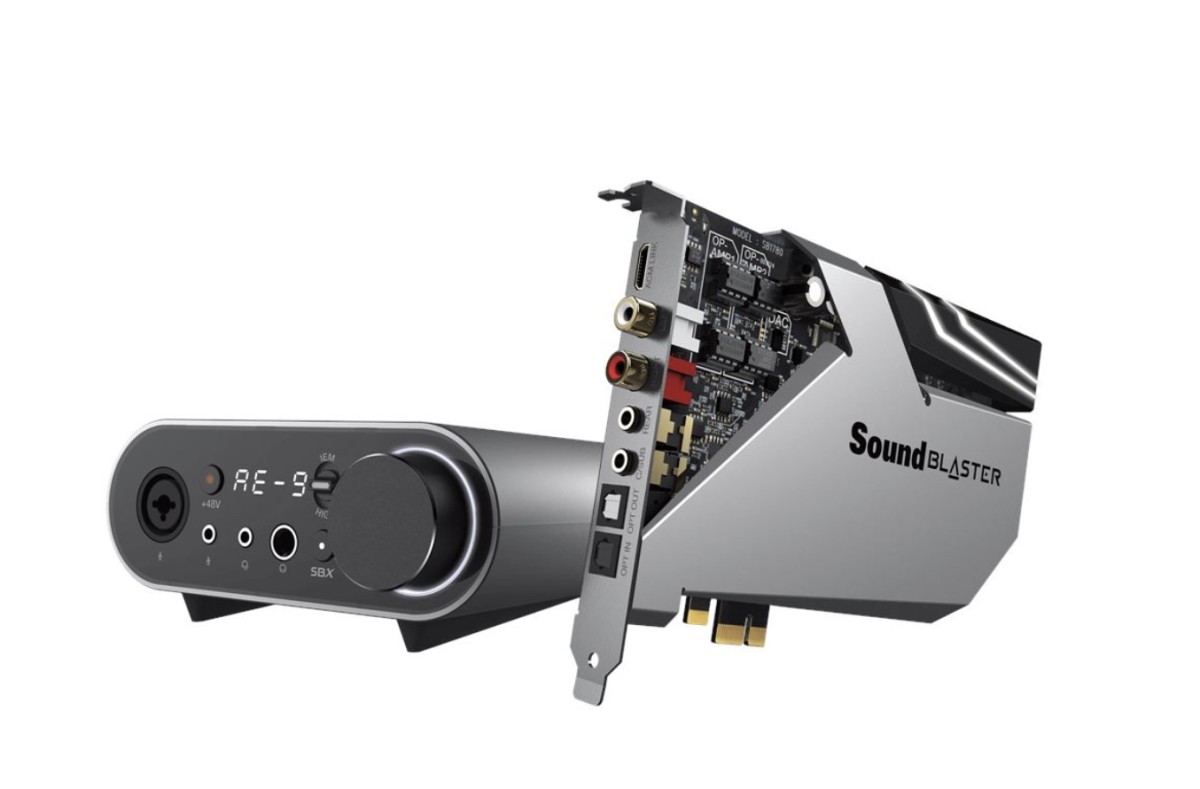
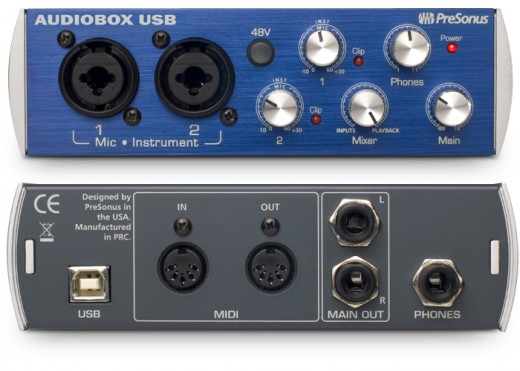
This is the hardware responsible for producing your sound in your own studio. There are many types of the market. The firewire connection types generaly handle almost all the the processing power, recommended for slower PCs. USB types will handle most of the processing but a portion is share with the PC's CPU so these are for faster CPU's.
Having an Audio interface rather than your PC's built-in sound card is very important. Audio interfaces reduce latency i.e. the time between when you press a key and hear a sound. This should be 6-7ms or less. For recording vocals it is important to have the correct mic insert plug to avoid that hissing sound. Most decent audio card should have a built in pre-amp for recording on the microphone.
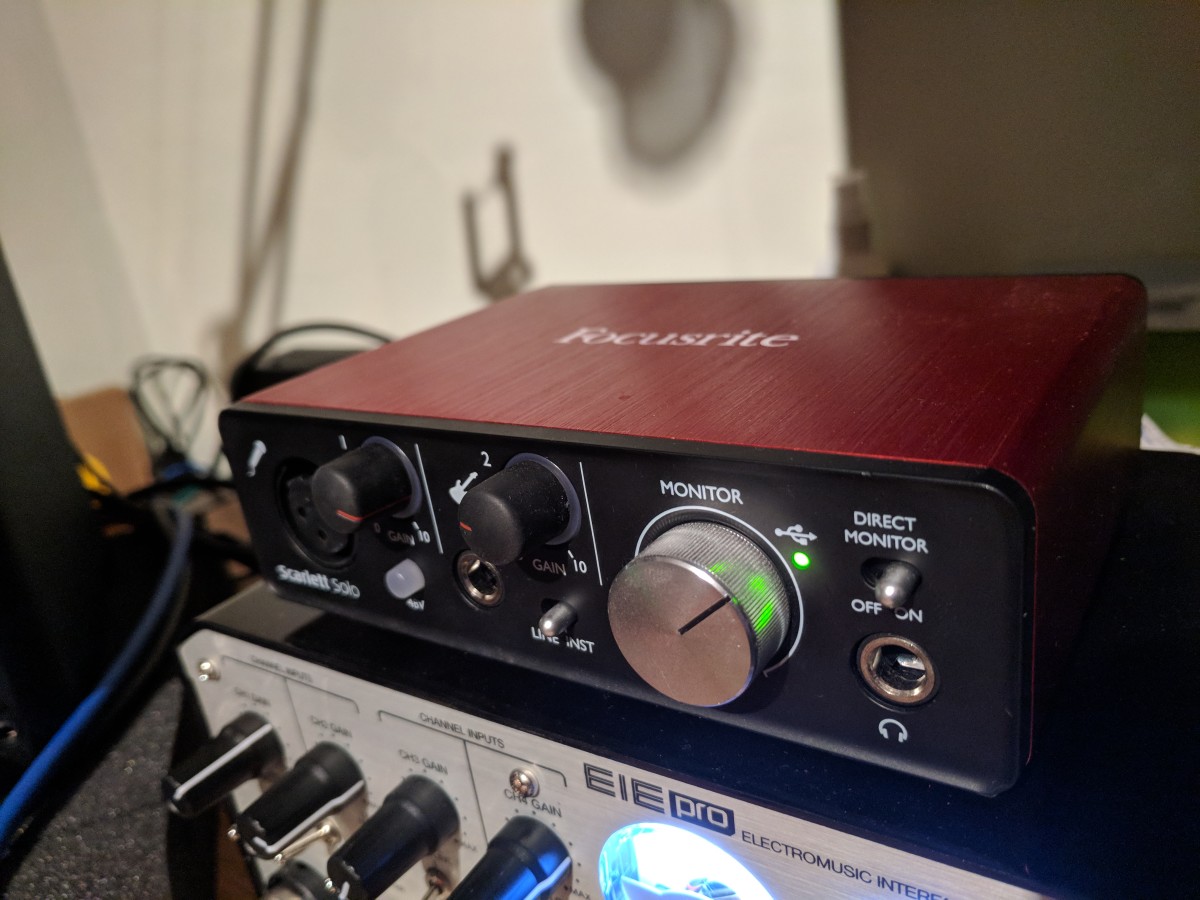
The Audio interface I use is the Presonus AudioBox USB, it gives solid output with very little demand on the CPU. It also comes as a very sturdy neat looking box.
Before using an audio interface you may need to disable the on-board sound on your PC, the on-board sound is definitely not adequate for music production.

MIDI Input Controller Keyboard
A lot of people ask "What keyboard are you using?", "I like those sounds". A MIDI controller keyboard doesn't have any onboard sounds which is why its so cheap. It is basically sending MIDI signals to you your music software for processing. The sounds are coming from your computer via the audio interface.
A good proffesional setup can be achieved you have a weighted (or semi-weighted) 88 key MIDI controller and high quality samples/VST's in your sequencing software. It will probably workout a lot cheaper than buying a synthesizer. I have seen good controller keyboards for around $80.
Monitor speakers
Forget trying to hook your PC up to your stereo. It is better to use active monitors to listen to your masterpiece. This ensures that you what you are hearing is coming directly from your Audio Interface and NOT being re-processed through your stereo's amp.
A lot of people tend to use headphones but be advised that the sound you hear in the headphones will be different to a large speakers. Headphones will be okay for making the track but for mixing, eq-ing etc.. You will need to listen on proper speakers.

Using an MPC
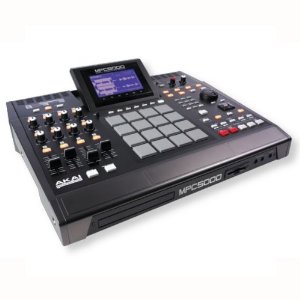
Traditionally, many Hip Hop producers use the Akai MPC sampler. It basically works by you having to upload samples into the machine and you play them back using the velocity square pads which are mapped to individual samples.
Although more and more people are switching over to DAW's there are still a large number of people who prefer using an MPC. Music produced by an MPC usually has that distinct warm sample heavy sound which is good for hip hop. Users like to get a simple beat going and play the samples real time using the pad until they hear something they like and then record.
Nowadays though you have devices such as the Ableton Push which is like an MPC but has no on board sounds. It works as a trigger through the software DAW.
Check out the below video to see Rapper/Producer Kev Brown on the MPC.